Adapting for Sight: Engaging in Low Vision Puzzle Activities for Cognitive Health
Explore how to adapt low vision puzzles for seniors. Discover 2025's best tactile aids, digital apps, and expert tips to keep the mind sharp.
By Free To Play Puzzles Editorial Team 12 min read
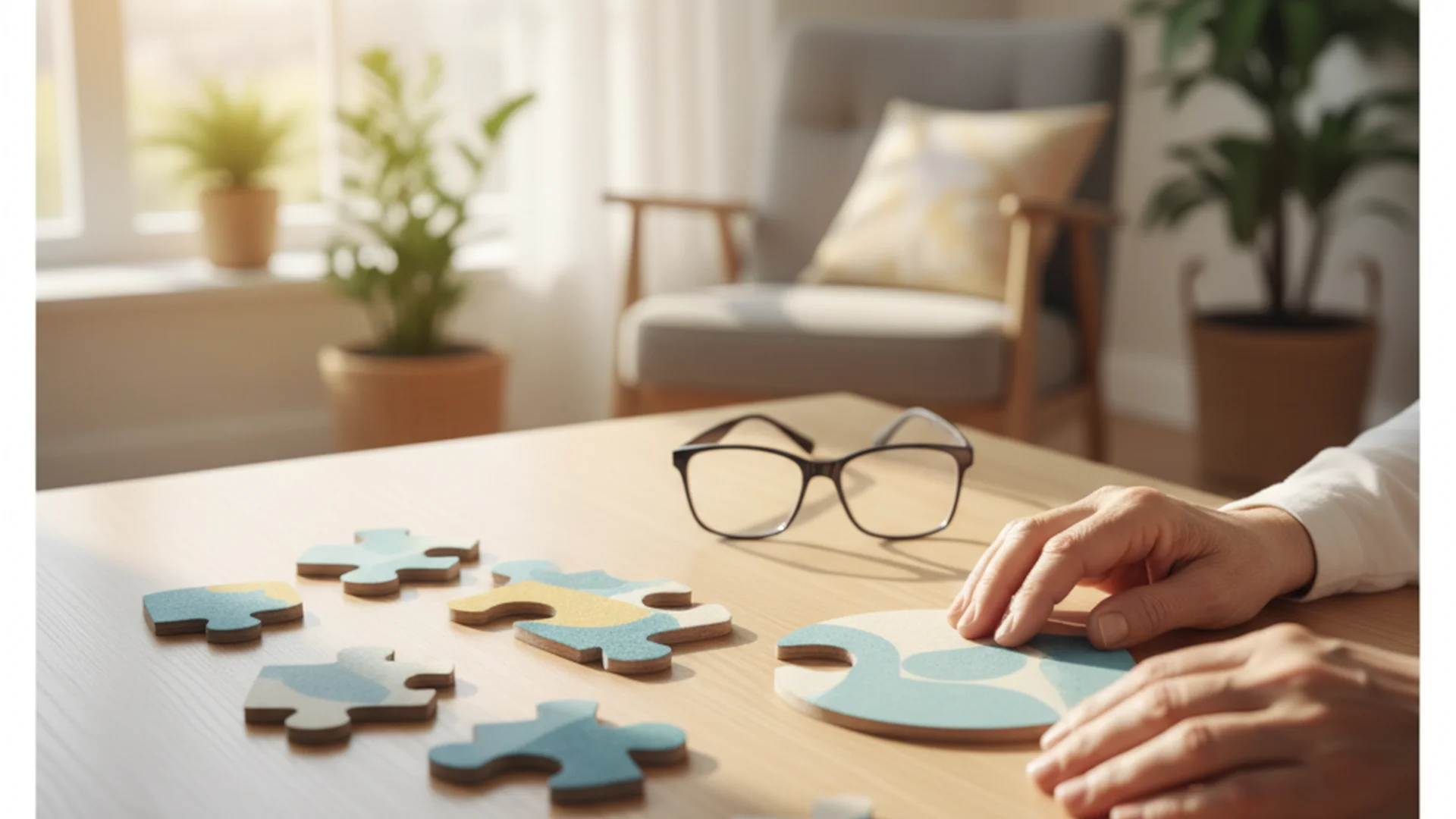
The human brain can maintain plasticity and health well into our senior years. One of the most effective ways to preserve cognitive function is through consistent mental stimulation. However, for the millions of individuals facing age-related sight loss, traditional pastimes can become frustrating or even impossible. Engaging in low vision puzzles is not just about passing the time; it is a vital strategy for maintaining neural pathways, spatial reasoning, and emotional well-being.
In 2023, data showed that approximately 8.29 million Americans reported serious difficulty seeing even with glasses. As we look toward 2050, that number is projected to increase by 150% due to conditions like macular degeneration and glaucoma. This guide aims to bridge the accessibility gap, ensuring that vision impairment never translates to cognitive stagnation.
The Science of Puzzles and Low Vision
When we engage in vision impaired activities, we are exercising the brain's ability to process partial information. For a person with low vision, a puzzle becomes a multisensory experience. The brain begins to rely more heavily on tactile feedback, color contrast recognition, and logical deduction rather than fine-detail visual scanning.
Research indicates that engaging in these activities can provide significant cognitive benefits. By adapting the medium to fit the user’s remaining sight, we reduce the "cognitive load" caused by frustration, allowing the brain to focus on the joy of the challenge.
Selecting the Right Low Vision Puzzles
Choosing the right activity is the first step toward a successful experience. A common mistake is assuming that a smaller piece count makes a puzzle "easier." In reality, the visual design of the puzzle is much more important than the number of pieces.
High-Contrast and Bold Imagery
For someone with cataracts or macular degeneration, subtle color gradients (like a pale blue sky) can blend into a single, indistinguishable blur. Instead, look for puzzles with bold, saturated colors and clear, distinct borders.
- Example 1: A puzzle featuring a vibrant farmer’s market with distinct red apples, green peppers, and yellow bananas is far more accessible than a "painterly" landscape where the colors bleed together.
Large Format and Easy Handling
Brands like Ravensburger XXL and Cobble Hill Easy Handling have become industry leaders by creating pieces that are significantly larger than standard versions. These "Large Format" puzzles allow for easier gripping and make the imagery on each individual piece large enough to identify without extreme magnification.
Tactile and Sensory Puzzles
For those with severe vision loss, we must look beyond the visual. Tactile markers can be added to standard puzzles to provide a secondary way to identify pieces.
Advertisement
Optimizing the Environment for Success
Even the best low vision puzzles will be difficult to solve in a poorly lit room. Lighting is often the most overlooked factor in senior care activities.
The Power of Task Lighting
Standard overhead lighting often creates glare, which is particularly troublesome for those with glaucoma. Use an adjustable task lamp with a "cool" or "daylight" LED bulb (around 5000K to 6000K). Position the light so it illuminates the puzzle surface directly without reflecting into the user's eyes.
Workspace Modifications
- Matte Finishes: Avoid glossy puzzle boards. A matte-finish board or a simple piece of dark felt can prevent light from bouncing off the surface.
- Contrast Backgrounds: If the puzzle pieces are generally dark, place them on a light-colored board. If they are light, use a dark board. This simple change makes the shapes of the pieces stand out immediately.
Technological Trends in 2025–2026
We are entering a golden age of digital accessibility. While the "Digital Divide" is real—with vision-impaired individuals being twice as likely to live without a computer—modern tablets and wearable tech are changing the landscape of brain training.
AI-Powered Visual Interpreters
In 2025, apps like Be My Eyes (now integrated with OpenAI) and Lookout by Google have become essential tools. A senior can hold their smartphone camera over a puzzle piece, and the AI will describe it in real-time: "You are holding a piece with a bright red pattern, likely part of a flower."
Smart Glasses and Wearables
The latest 2025 models, such as the Ally Solo and Echo Vision glasses, use bone-conduction audio to "whisper" descriptions of the environment. This allows for hands-free puzzling, where the user can hear a description of where a specific color or shape might be located on the board.
Accessible Digital Puzzles
For those who prefer screens, digital platforms have moved toward full accessibility. A daily challenge on a tablet allows for "pinch-to-zoom" capabilities that physical puzzles cannot match. Digital memory games and crosswords are now being built with screen-reader compatibility, allowing users to hear the clues and letters read aloud.
| Technology | Benefit | Best For |
|---|---|---|
| AI Apps (OpenAI/Google) | Real-time scene description | Identifying specific piece details |
| Smart Glasses | Hands-free audio cues | Severe vision loss / Hands-on play |
| Tablets (iPad/Android) | Pinch-to-zoom & backlighting | Mild to moderate impairment |
| Screen Readers | Auditory puzzle solving | Crosswords and word games |
Common Mistakes to Avoid
Caregivers often make well-intentioned mistakes that lead to a senior feeling discouraged.
- Using "Juvenile" Imagery: Many seniors feel patronized by puzzles featuring cartoons or children's themes. Always look for "Reminiscence Puzzles"—those featuring historical scenes, classic cars, or nature—which are age-appropriate but visually simplified.
- Focusing Only on Piece Count: A 300-piece puzzle with a busy, cluttered image is significantly harder than a 500-piece puzzle with clear, color-coded sections. Focus on the complexity of the image rather than the number of pieces.
- Low-Resolution Prints: If you are using DIY senior puzzles, avoid printing images from the internet that may appear blurry when enlarged. Use vector-based PDFs or high-resolution professional prints to maintain sharp edges.
- Ignoring Remaining Vision: Don't assume that because someone is legally blind, they need purely tactile games. Many still benefit from vibrant color cues.
Advertisement
Frequently Asked Questions
How can I keep my loved one engaged if they can no longer see standard puzzle pieces?
The best approach is to transition to "Large Format" or "Easy Handling" puzzles. These maintain adult themes but use pieces roughly three times the size of standard ones. Additionally, introducing tactile elements or using a tablet with zoom features can keep the engagement high.
Are there puzzle apps that work with screen readers?
Yes. In 2025, platforms like PuzzleMe by Amuse Labs offer crosswords that are fully keyboard-accessible and work with VoiceOver (iOS) and TalkBack (Android). Many dedicated memory games are also adding audio-description modes.
What is the best lighting for doing puzzles with low vision?
The gold standard is a task lamp with an adjustable neck and a "daylight" LED bulb. You want to maximize brightness while minimizing glare. A matte puzzle surface is essential to prevent light from reflecting into the user's eyes, which is a common issue for those with cataracts.
Can puzzles help slow down dementia in seniors with low vision?
Yes. Cognitive engagement has been shown to build "cognitive reserve." Even if a senior has low vision, the act of problem-solving, spatial reasoning, and memory recall involved in puzzles helps keep the brain active. If visual puzzles become too difficult, switching to auditory or tactile puzzles provides the same cognitive workout.
Conclusion
Adapting to vision loss doesn't mean giving up on the hobbies that keep our minds sharp. Whether it is through the use of high-contrast low vision puzzles, the latest AI-driven smart glasses, or simply adjusting the lamp on a desk, there are countless ways to stay engaged.
By focusing on accessibility, we ensure that every individual, regardless of their level of sight, can enjoy the mental triumph of fitting that final piece into place. It is this sense of accomplishment that fuels brain health and enhances quality of life in our later years.
Looking for more ways to stay sharp?
Explore our full range of accessible brain training games and puzzles.
Put it into practice

Keep reading
Senior Care
Puzzle Documentation Care: The Complete Guide to Progress Tracking
Learn how to master activity documentation for puzzles in senior care and hobbyist collections. Explore SOAP notes, AI trends, and cognitive progress tracking.
Oct 8, 2026 10 min
Senior Care
End of Life Comfort Puzzles: Cognitive and Emotional Benefits in Hospice
Discover how comfort activities like hospice puzzles improve quality of life, reduce pain, and provide cognitive grounding for patients in palliative care.
Mar 11, 2026 9 min
Senior Care
The Bridge Across Generations: Why Intergenerational Puzzles are the Ultimate Bonding Tool
Discover the cognitive and emotional benefits of intergenerational puzzles. Learn how grandparents and grandchildren can bond through shared play and modern 2026 trends.
Aug 21, 2026 12 min
Advertisement