Word Search Puzzle Maker Guide: Create Professional Puzzles in 2026
Master the art of puzzle creation with our comprehensive word search maker guide. Learn expert strategies, AI trends for 2026, and cognitive benefits.
By Free To Play Puzzles Editorial Team 12 min read
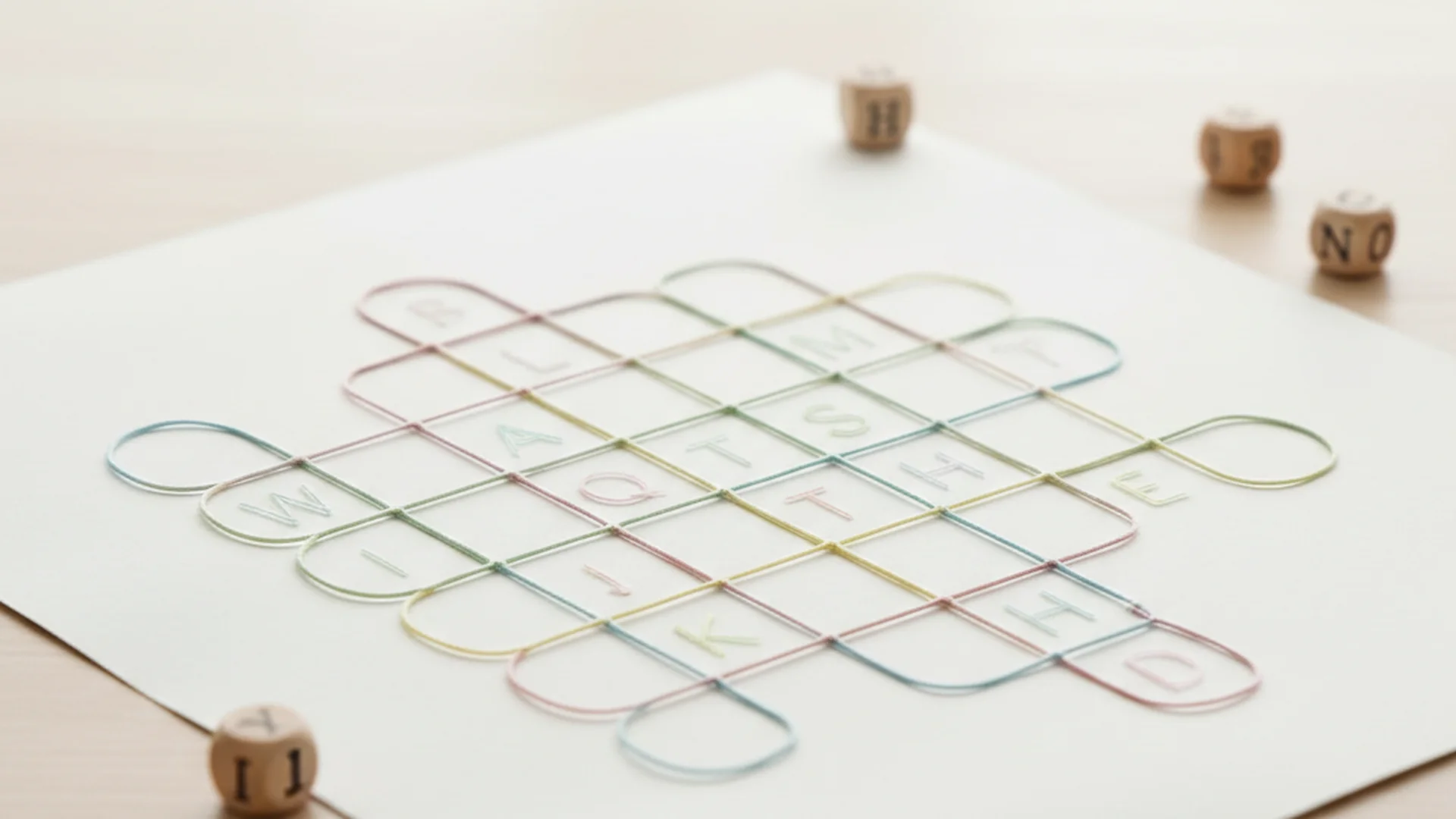
In an era dominated by high-speed digital entertainment, the humble word search has staged a remarkable comeback. As we navigate 2025 and 2026, the demand for custom puzzles has shifted from simple pastime activities to sophisticated tools for education, mental health, and even corporate team building. Whether you are a teacher looking to reinforce a lesson or a hobbyist wanting to challenge your friends, using a word search maker has never been more intuitive or impactful.
Creating a puzzle is more than just scattering letters in a box; it is an exercise in logic, pattern recognition, and user experience design. In this guide, we will explore the science behind these puzzles and provide a professional blueprint to create word search puzzle layouts that engage and challenge.
The Science of Searching: Why We Solve
Before diving into the mechanics of a word search maker, it is essential to understand why these puzzles remain a staple in both the classroom and the clinic. Research led by the University of Exeter and King’s College London, involving over 19,000 participants, recently revealed that regular engagement with word and number puzzles can significantly preserve brain function. Specifically, older adults who solve these puzzles have grammatical reasoning and short-term memory scores equivalent to individuals ten years younger.
Beyond longevity, the immediate mental health benefits are profound. The process of scanning a grid for a specific sequence of letters triggers a "flow state," a psychological condition where the solver is fully immersed in the task. When a word is finally located, the brain releases a small burst of dopamine. This neurotransmitter not only enhances mood but also sharpens concentration, making puzzles an excellent "digital detox" tool for the modern age.
Step 1: Defining Your Target Audience and Grid Size
One of the most common questions beginners ask is, "What is the best grid size?" The answer depends entirely on your intended audience. A grid that is too large will frustrate a child, while a grid that is too small will bore an adult.
| Audience | Recommended Grid Size | Word Directions |
|---|---|---|
| Beginners (Ages 6–8) | 10x10 | Horizontal and Vertical only |
| Intermediate (Ages 9–12) | 15x15 | Adds Diagonals and Backwards |
| Advanced (Ages 13+) | 20x20 or larger | All directions (8-way search) |
When you create word search puzzle layouts for advanced solvers, density matters more than sheer size. A 15x15 grid packed with overlapping words is often more challenging than a 25x25 grid where words are isolated.
Advertisement
Step 2: Selecting a Cohesive Theme
A high-quality puzzle tells a story. If you are building an Animal Word Search, you should avoid including random filler words like "house" or "blue." Instead, stay focused on specific sub-themes like "Amazon Rainforest" or "Arctic Tundra."
Theme cohesion helps the solver’s brain prime itself for specific letter patterns. If the theme is "Ocean Life," the brain begins looking for "Anemone" and "Coral" automatically, which reinforces the thematic connection and improves vocabulary retention. This is why Educational Word Searches are so effective in specialized subjects like geography or science.
Step 3: Mastering Word Placement and Overlap
If you are using a manual word search maker or designing one by hand, follow the "Big Word First" rule. Place your longest words (e.g., 10+ letters) into the grid first. Because they occupy the most space, they are the hardest to fit. Once the "anchors" are in place, you can weave smaller words around them.
To increase the difficulty level, you should focus on word overlap. An overlap occurs when two or more words share a common letter. For example, the "E" in "Apple" could also be the starting "E" in "Elephant."
If you want to master the art of hidden directions, check out our guides on Backwards Words in Word Searches and Diagonal Word Search Tips.
Step 4: The AI Revolution (Trends for 2025–2026)
The landscape of puzzle creation has been transformed by AI in the last two years. While you can find many Free Word Search Online tools, the "smart" features of 2026 are what truly differentiate modern makers.
The Strands Effect
Inspired by the New York Times "Strands" puzzle, makers are now incorporating "Spangrams." This is a central theme word that touches two opposite sides of the grid and serves as the puzzle’s title or main topic. It adds a layer of structural complexity that traditional grids lack.
Safe-Grid Filters
In the past, random letter generators occasionally created accidental "bad" words. This is known in the industry as the "Woolworths Error." Modern AI-enhanced makers now utilize "Safe-Grid" filters that scan the filler letters to ensure no offensive or inappropriate words are accidentally formed.
Interactive Printables and Personalization
The top trending use case for 2026 is hyper-personalization. Families are using AI to create "Resolution Puzzles" or "Memory Puzzles" for weddings and anniversaries, where the word list consists of inside jokes and family names. Furthermore, many printables now include a QR code. When scanned, the solver can receive a digital hint or view the solution key on their smartphone.
Advertisement
Common Mistakes to Avoid
Even with a professional word search maker, certain pitfalls can ruin the user experience.
- The "Woolworths Error": As mentioned, always scan your final grid for accidental words. Sometimes the random filler letters "E-V-I-L" might appear right next to each other.
- Duplicate Short Words: Avoid words shorter than four letters. Including a 3-letter word like "CAT" often leads to the word appearing multiple times by accident in the filler letters, which can confuse the solver when they check their list.
- Typography Issues: Never use decorative, script, or "handwritten" fonts for the grid. These are difficult to scan and lead to eye strain. Stick to clean sans-serif fonts like Arial, Helvetica, or Roboto.
- Density Over Size: Don't assume a larger grid is harder. A massive grid with words only hidden horizontally is much easier than a compact grid with complex intersections and multi-directional placements.
Real-World Examples of Modern Puzzle Use
Example 1: The Interactive Classroom
A 5th-grade teacher uses a word search maker to create a weekly vocabulary puzzle. Each puzzle contains a QR code at the bottom. Students who find all the words can scan the code to unlock a "bonus" riddle that uses the vocabulary words in a new context.
Example 2: Corporate Digital Detox
A tech company includes a custom word search in their weekly internal newsletter. The theme is "Tech Giants of the 90s," and the grid is designed with high overlap density to encourage employees to take a 10-minute break away from their screens.
Example 3: Personalized Event Favors
At a 2026 wedding, each table setting includes a small, card-stock word search. The words include the couple's first date location, their pet's name, and their honeymoon destination. This serves as an icebreaker for guests who may not know each other well.
Frequently Asked Questions
What is the best grid size for my audience?
For children ages 6–8, a 10x10 grid is ideal. For older children and casual adults, a 15x15 grid provides the right balance. For dedicated enthusiasts, 20x20 or larger is recommended.
How many words should I include in my word search?
A standard, professional-looking puzzle typically contains between 10 and 20 words. Including more than 20 can make the layout feel cramped and the word list difficult to read.
Can AI create word searches?
Yes, modern AI tools can generate thematic word lists, suggest grid layouts, and even filter out inappropriate accidental words. However, manual proofreading of the final grid is always recommended to ensure quality.
Should I list the words in alphabetical order?
Yes. Always list your hidden words in alphabetical order. This makes it much easier for the solver to track their progress and navigate the checklist while searching the grid.
How do I make a word search more difficult?
The best way to increase difficulty is to increase word density and overlap. You can also hide words in all eight directions (horizontal, vertical, diagonal, and backwards) and use words that share common letter sequences (like "T-H-E-R-E" and "T-H-E-I-R").
Conclusion
Creating a high-quality word search is a rewarding blend of logic and creativity. By using a professional word search maker, adhering to the "Big Word First" rule, and staying updated with 2026 trends like Spangrams and Safe-Grid filters, you can produce puzzles that are as beautiful as they are challenging. Remember that the goal is to provide a "fair" challenge—one that stimulates the brain and provides that satisfying dopamine hit upon completion.
Ready to Start?
Build your own custom puzzles today and experience the cognitive benefits.
Put it into practice

Keep reading
Word Search
Mastering Language: The Ultimate Guide to Vocabulary Word Search Puzzles
Discover how a vocabulary word search can boost memory by 10% and improve IQ. Explore 2025 trends, AI puzzles, and strategies to learn words effectively.
Jan 6, 2025 12 min
Word Search
Word Search Generator Guide: Create Custom Puzzles Like a Pro
Unlock the full potential of a word search generator. Learn to create professional, themed, and educational puzzles for classrooms, KDP, or personal fun.
May 4, 2025 12 min
Word Search
The Ultimate Guide to Printable Word Search Puzzles for Kids: Education Meets Play
Discover why printable word search kids love are essential for development. Learn about 2025 trends, age-appropriate designs, and cognitive benefits.
Aug 20, 2026 10 min
Advertisement